Shine a light on your
League of Legends gameplay with Firefly!
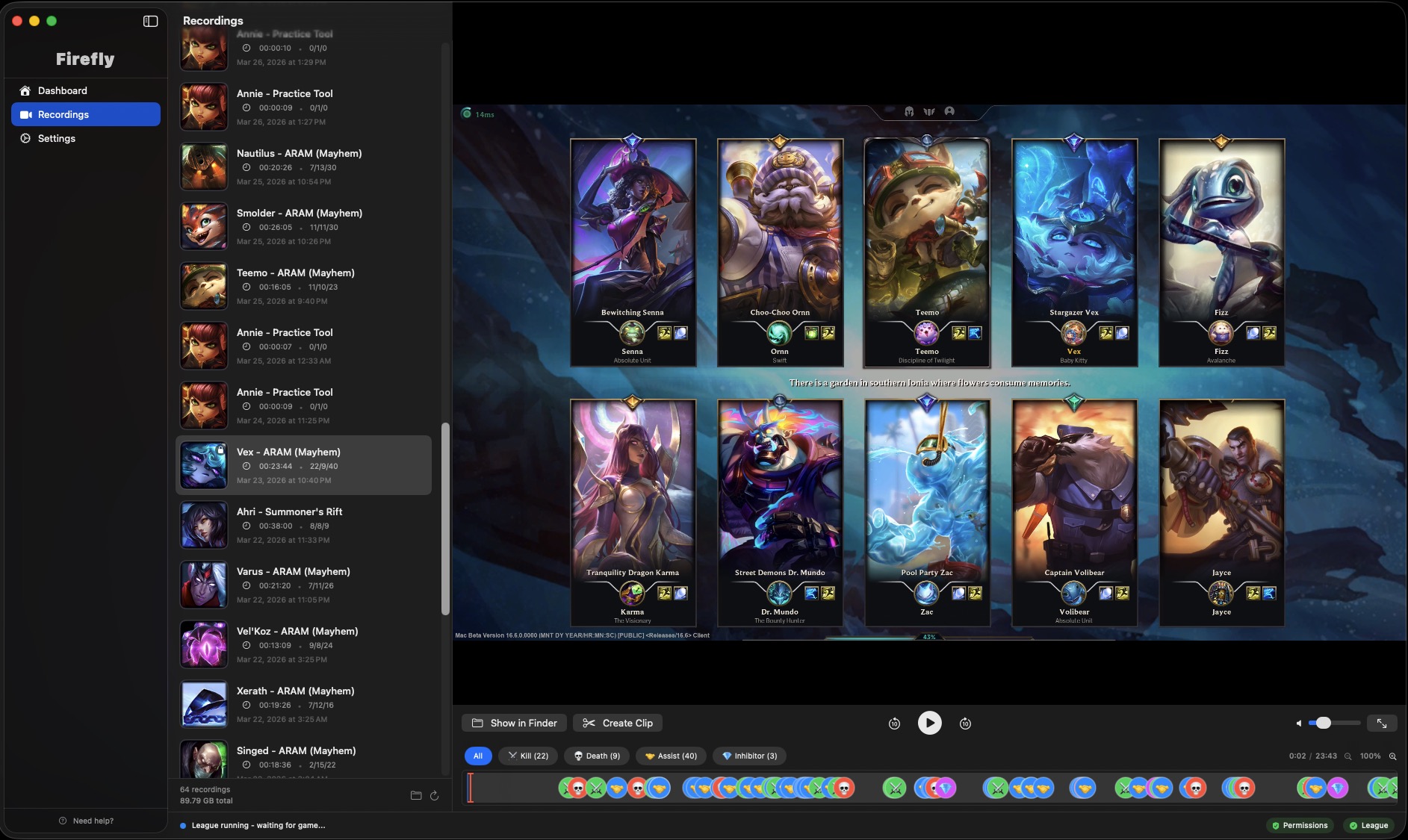
Firefly is an auto-recorder for League of Legends on macOS that automatically captures your gameplay and provides a quick way to review every in game event.
Firefly - Auto Recorder for League of Legends
Never miss a moment - Firefly automatically records every game the moment it starts - nothing to remember.
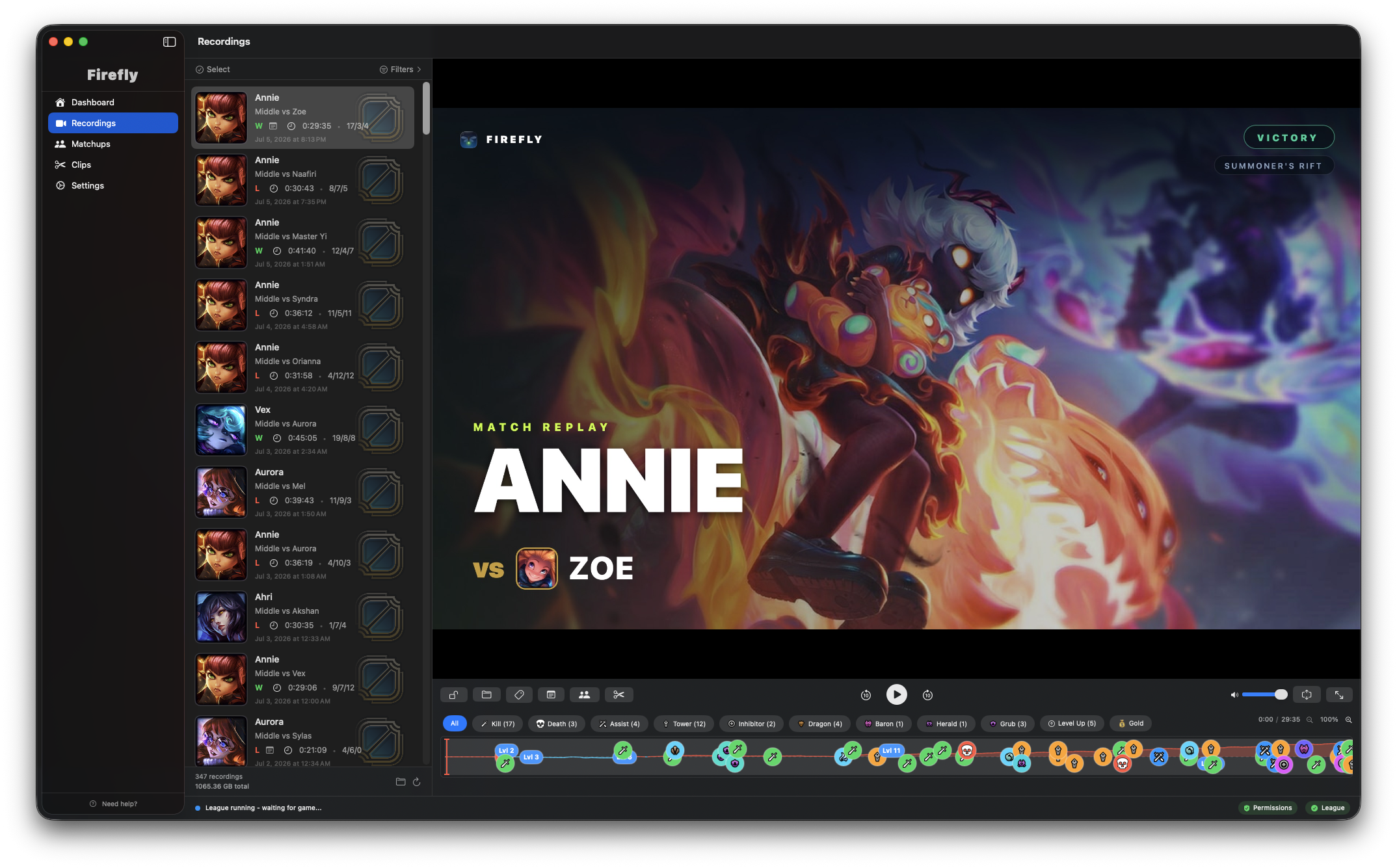
Your whole game at a glance - A visual timeline maps every kill, death, and objective so you can jump straight to any moment.
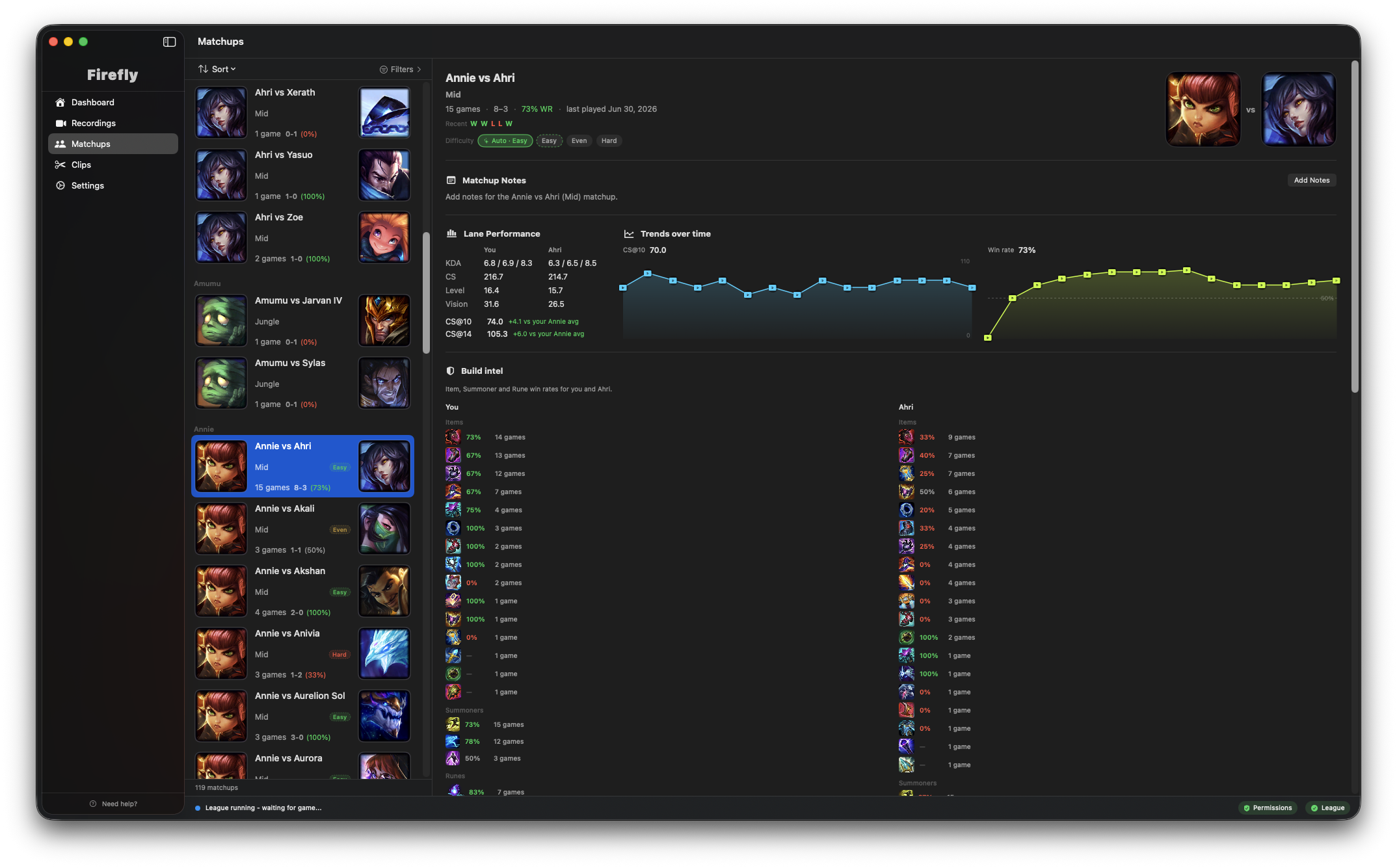
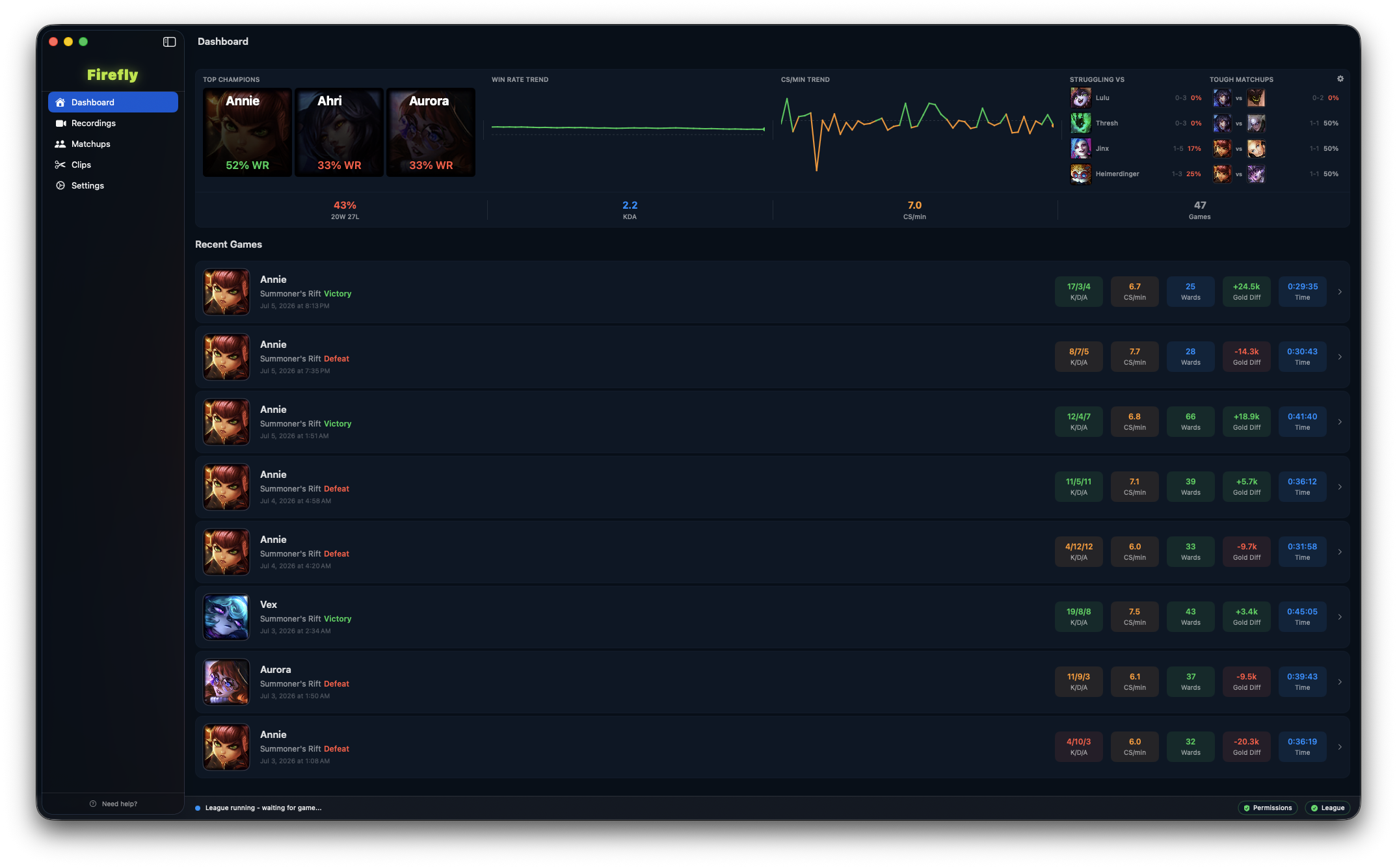
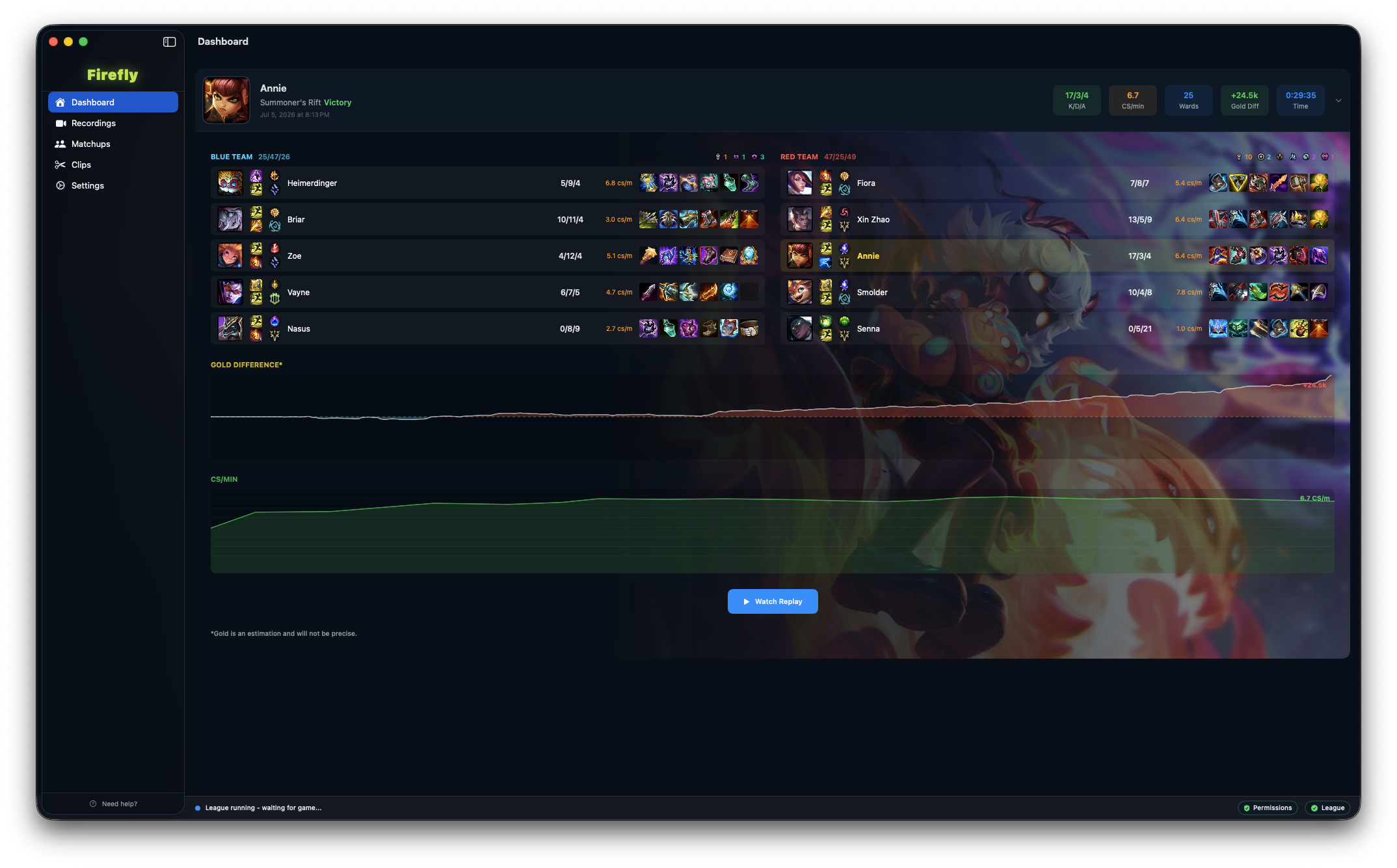
Study every matchup - Firefly groups your games by lane opponent so you can track your record, keep notes, and rewatch the kills and deaths that decided the lane.
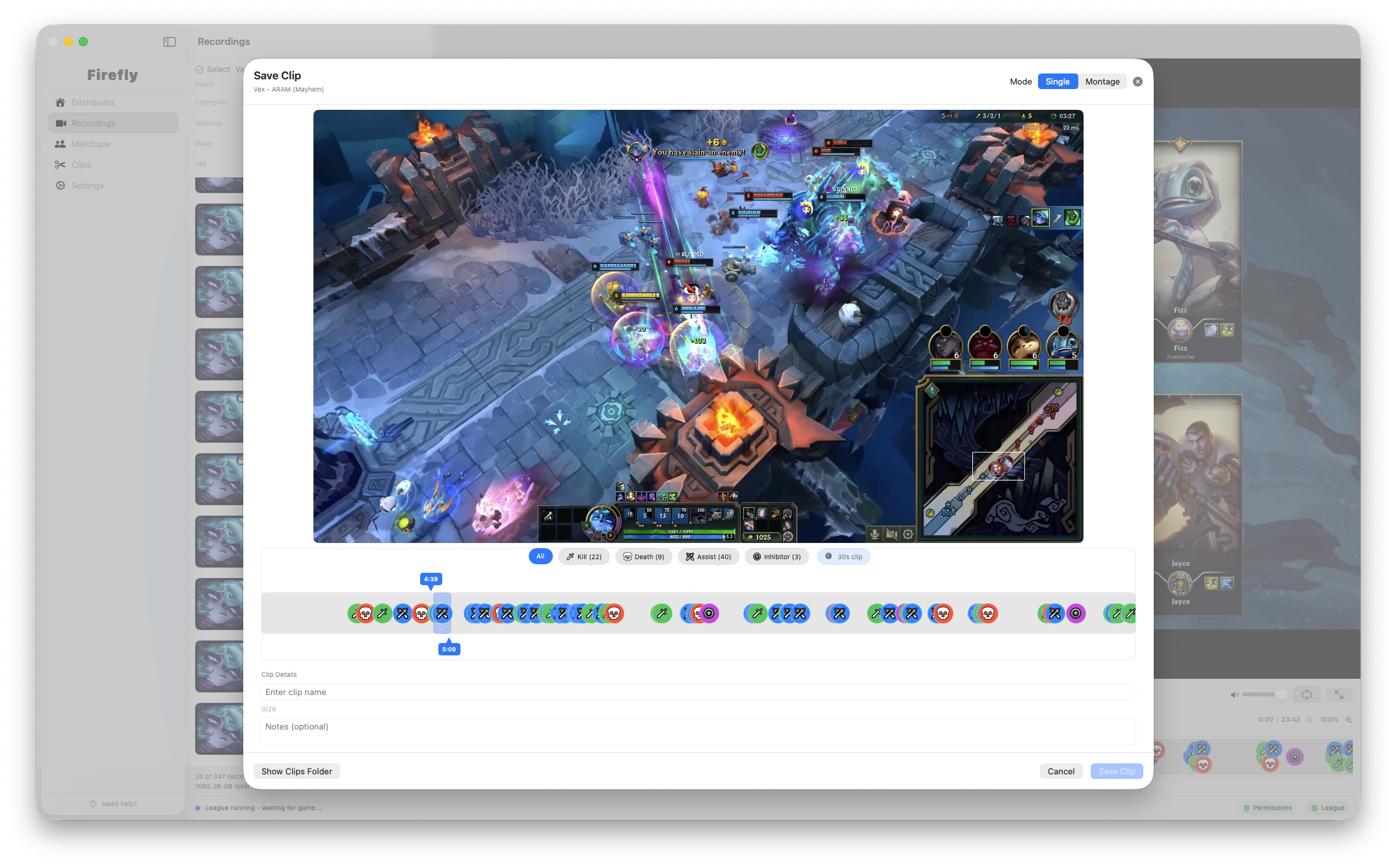
Share your best. Ask abouth the worst - Clip the moments worth showing off and the ones worth getting feedback on.
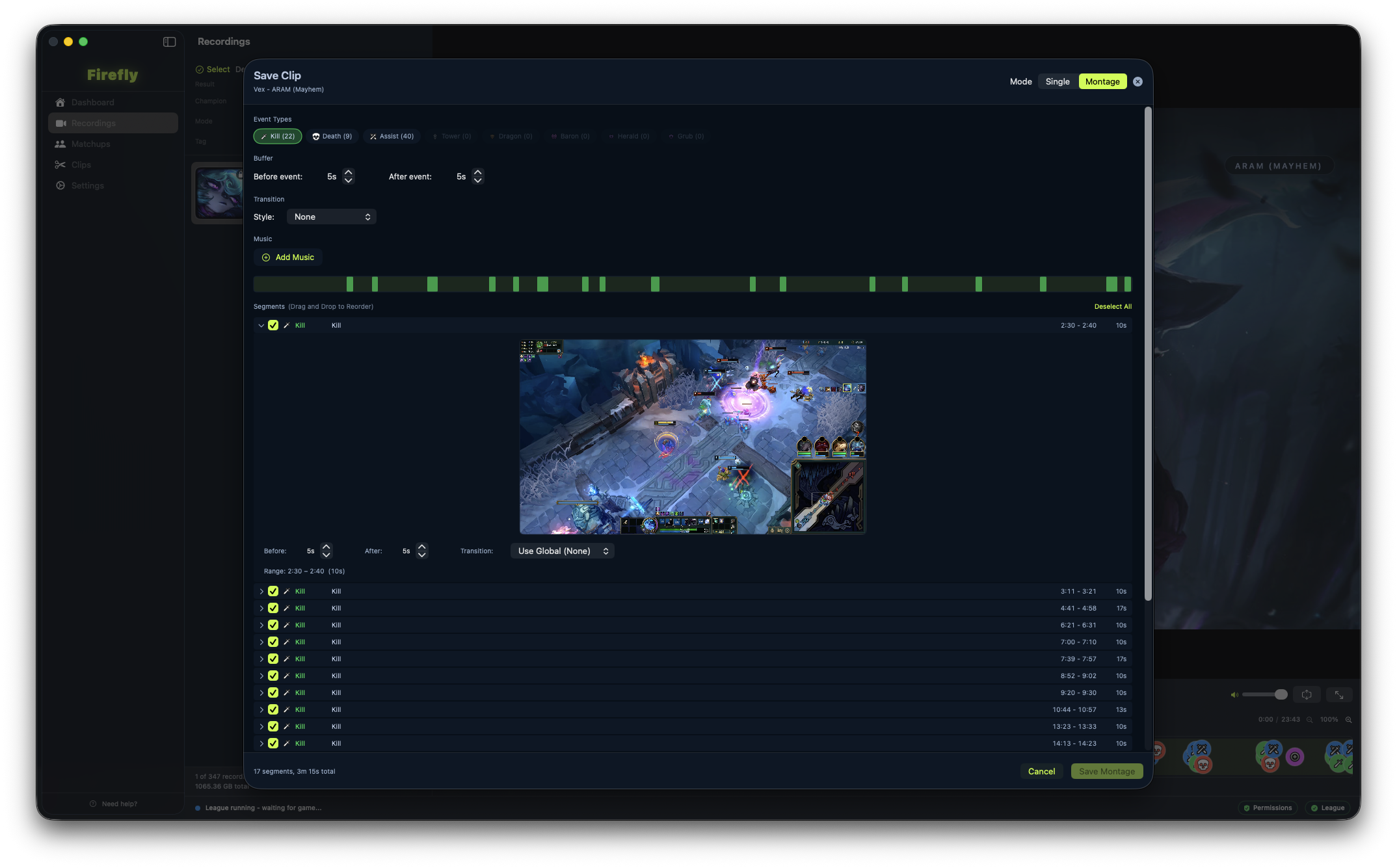
Easily and quickly create montages for especially great games - Stitch together clips of whatever events you want to create the perfect montage.
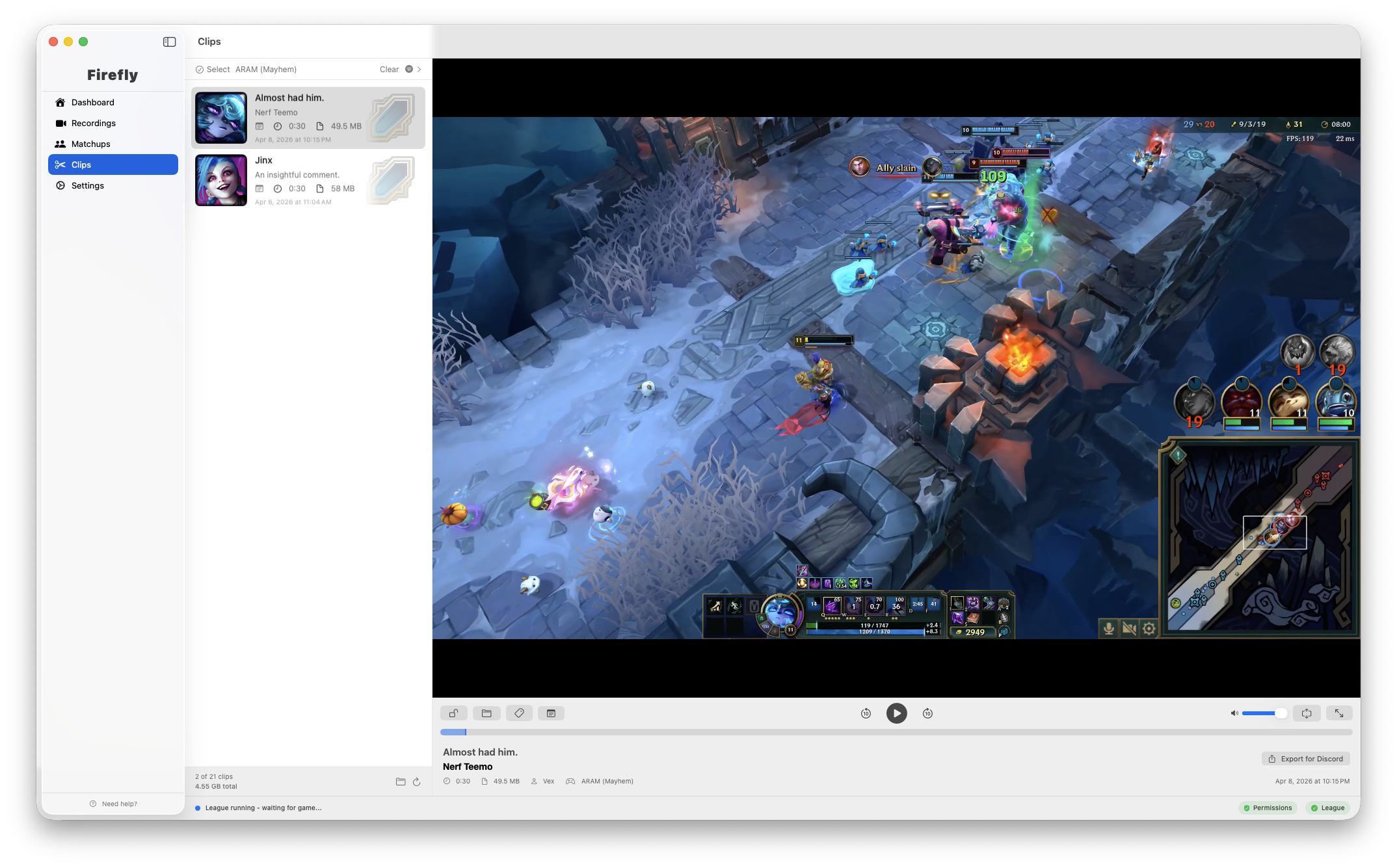
Clips manager to keep track of your clips and montages - Clips and Montages are stored and as easy to manage as the recordings.
Getting Started
Firefly runs in the background and automatically records your League games. Here's how to get set up:
Open the DMG and drag Firefly into your Applications folder.
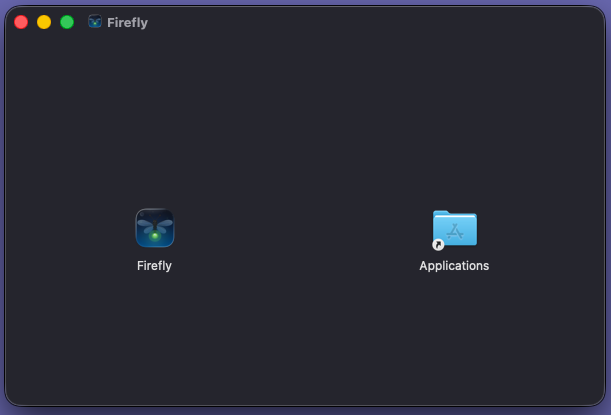
Launch Firefly and grant screen recording permission when prompted. Firefly must be running to capture your games.
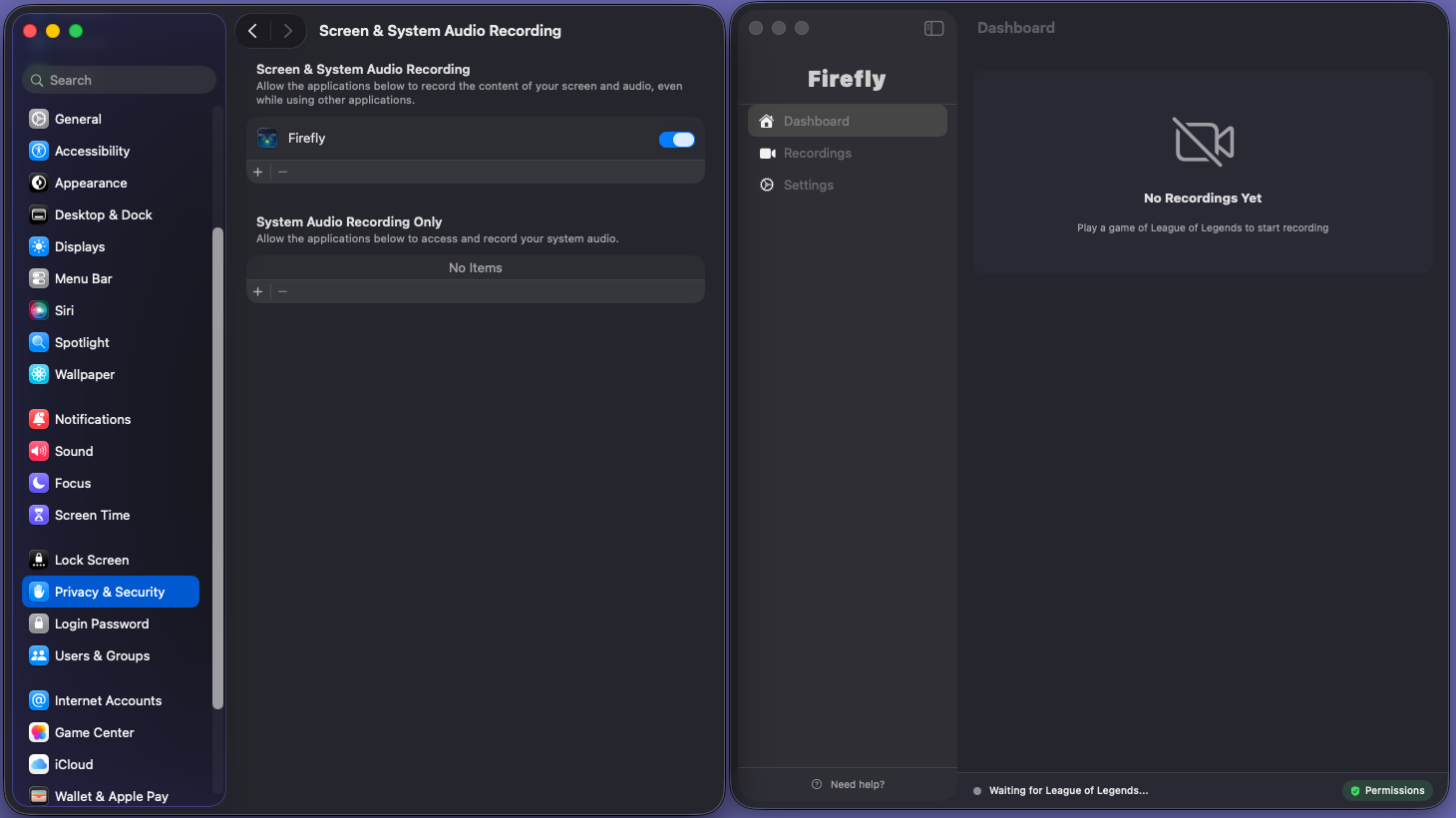
Verify and start playing! — Firefly detects League automatically and starts recording, your status bar should look like this if permissions are correct and League is open.

Enjoy!